Wandhaus
- Type
- Project / Webshop
- Role
- Design and build of the shop and the configurator
- What
- Webshop with a configurator for photo walls
- Website
- wandhaus.com
A webshop with a custom configurator: you arrange your photos on the wall and order straight away.

See the photo wall first, then order.
Anyone who wants photos on the wall has doubts about sizes and layout. The shop had to make that visible before anyone places an order.

Arrange
Drag your photos onto the wall and see the whole thing at once.
Sizes
Choose a size for each photo; the wall adjusts to match.
Order
The price moves with you, and you order everything in one go.
The configurator first, then the shop around it.
The configurator is the heart of the shop. Product pages, basket and checkout follow the same calm style.
The wall, the way it hangs in your home.


Quiet, so the photos can speak.
The Wandhaus brand is deliberately quiet. The logo is the name itself in an italic Fraunces, and the full stop belongs to it. One petrol blue (#235C68) for buttons and accents; the rest is soft white, light grey and almost black.
For headings I chose Fraunces, with one italic word as an accent. Body text and the configurator are set in Inter, easy to read on any screen.
Logo
Wandhaus. with its full stop, large at the bottom of every page.
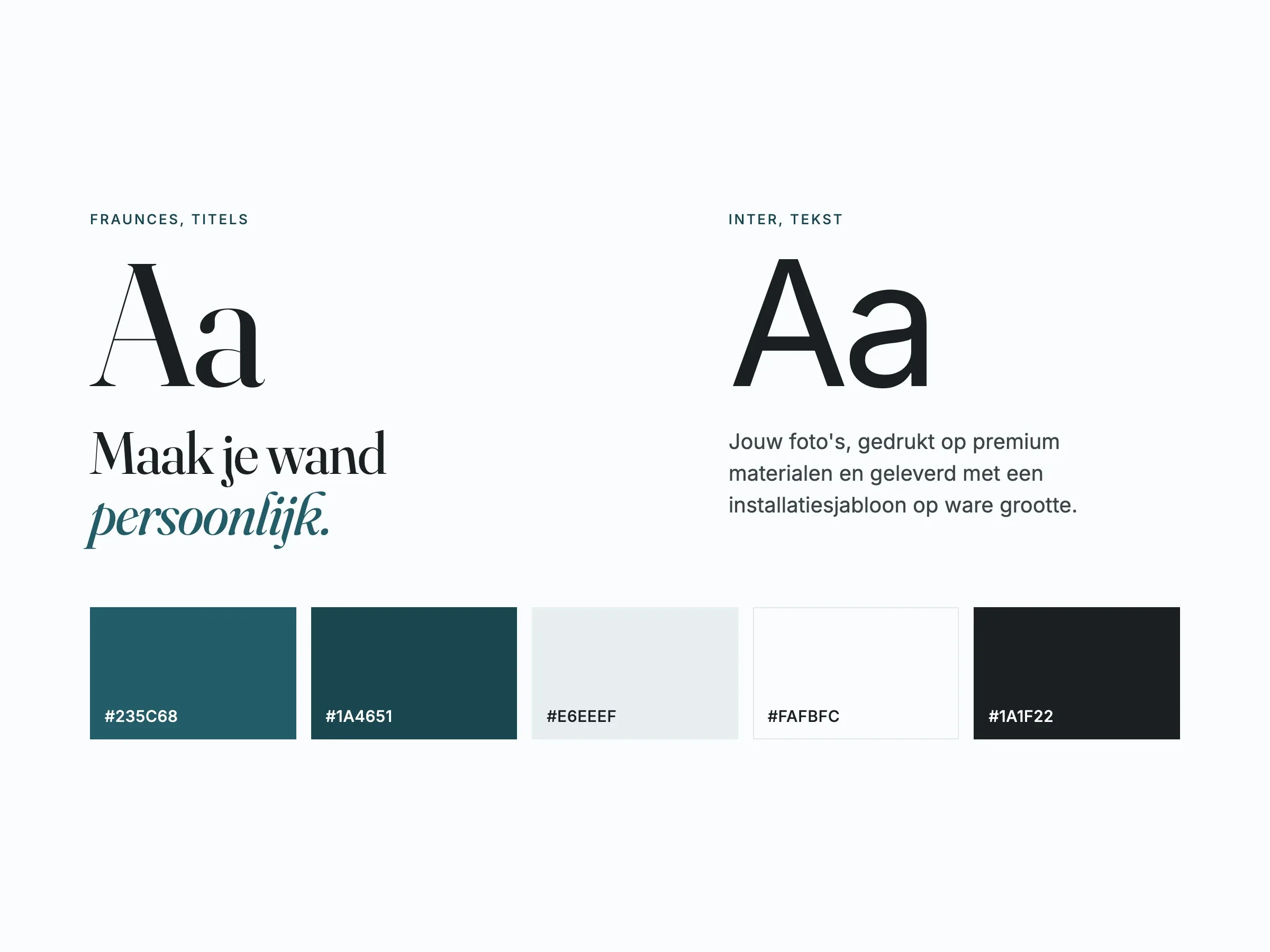
Colour and type
Petrol as the accent, Fraunces for headings and Inter for text.
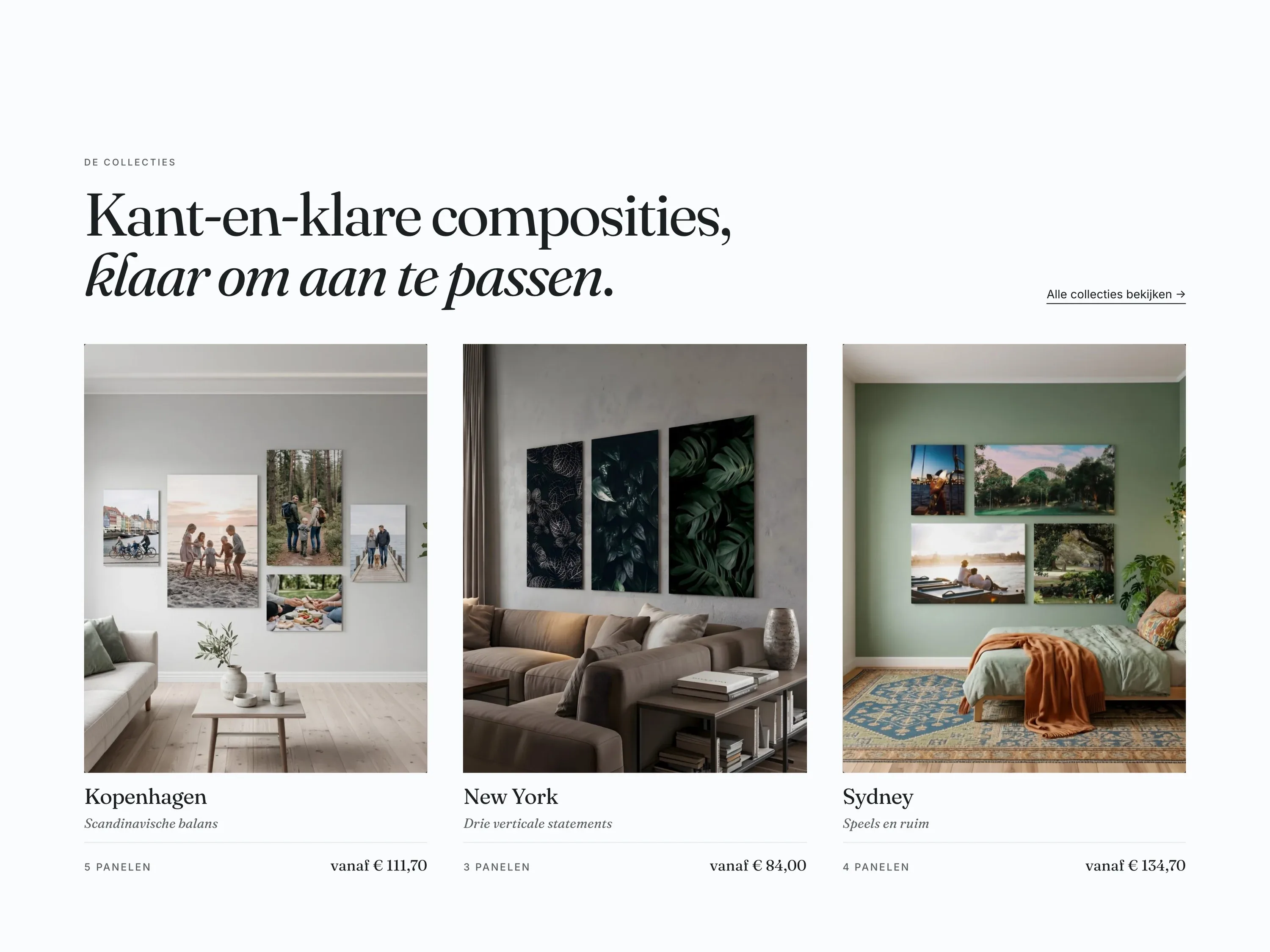
Collections
Ready made compositions for each city, with the number of panels and the price.
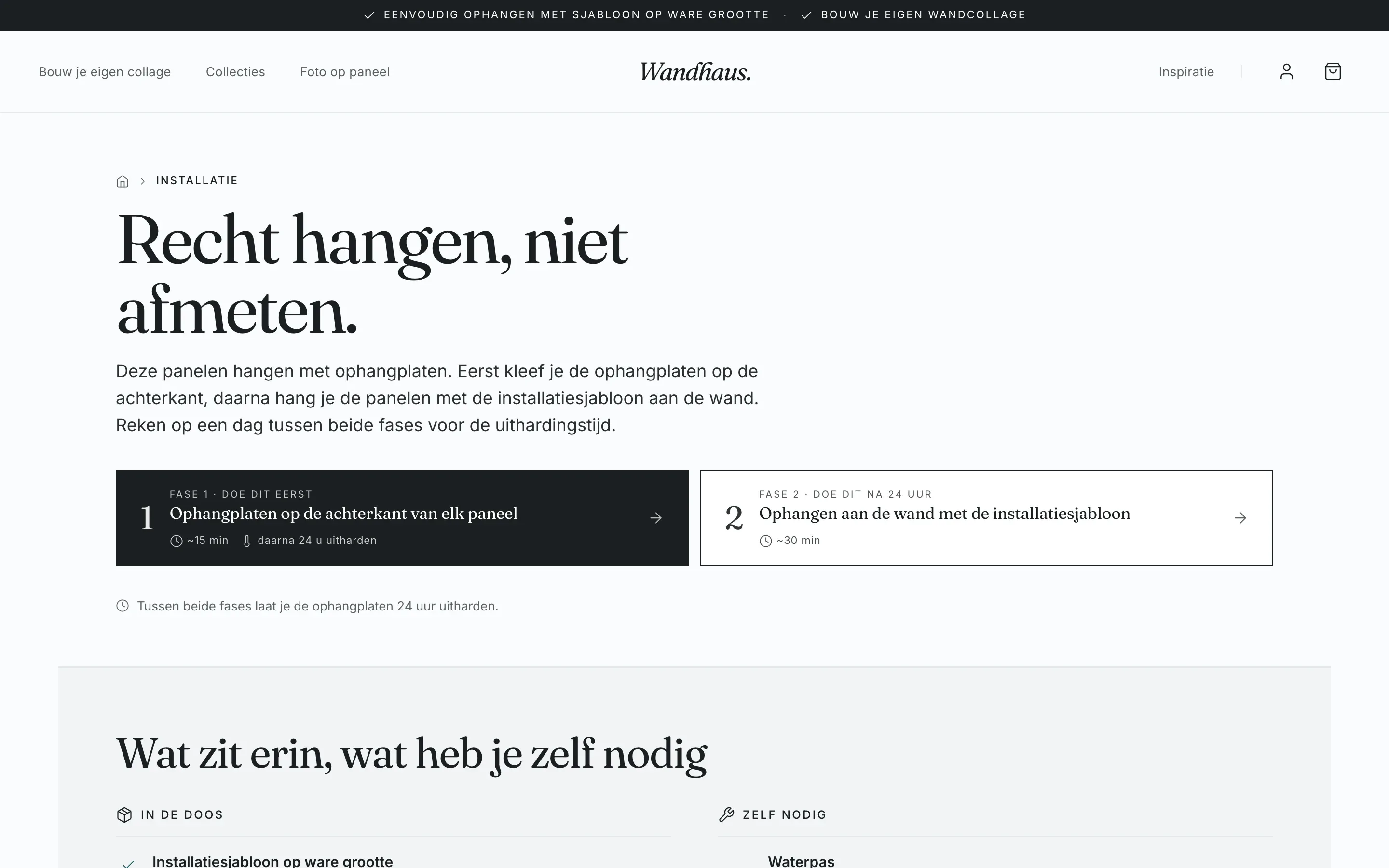
Installation
A page of its own explains in two phases how to hang the panels straight.


Arranging on a digital wall.
The configurator starts with one question: how big is your wall? Then you drag panels onto the wall, upload your photos and choose a size and a material for each panel. The price adds up as you go.
Every wall comes with a full size installation template, so there is nothing to measure.
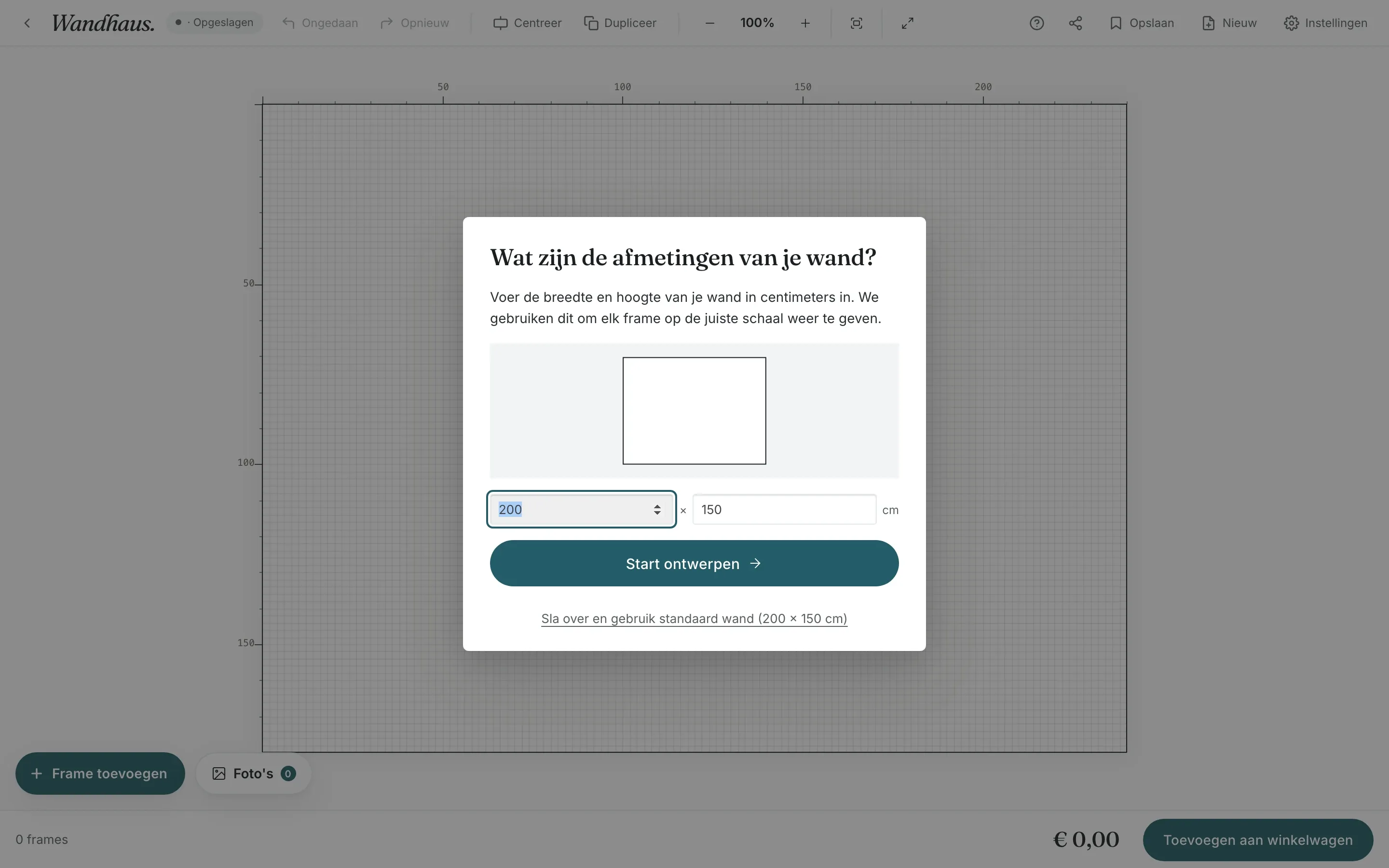
The wall first
You enter the width and height of your wall; after that, every panel is shown to scale.
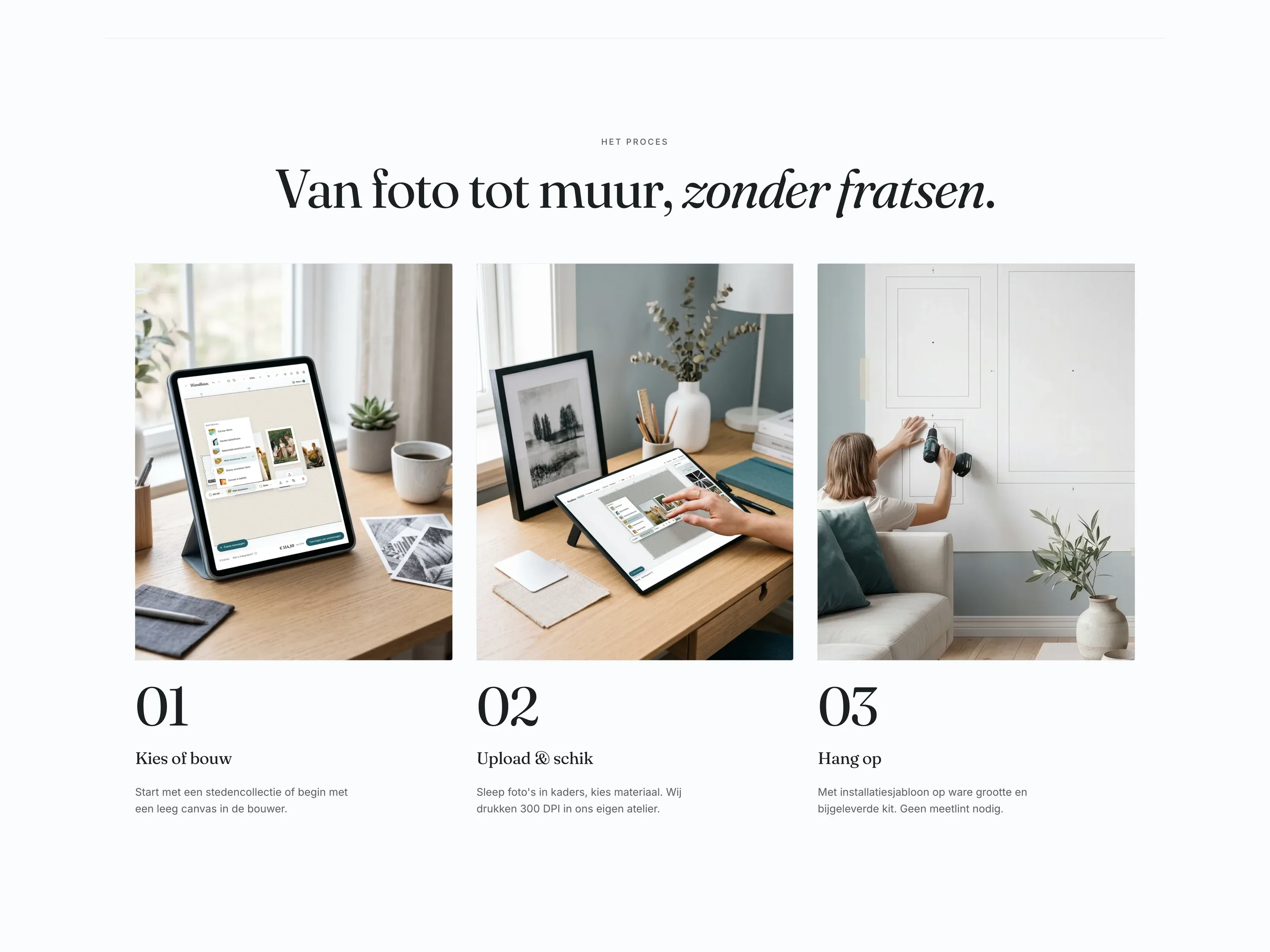
From photo to wall
Three steps on the home page: choose or build, upload and arrange, hang.


What’s under the bonnet, in plain English.

A custom configurator
Arranging and choosing sizes happens right in the browser.
Made to order
Each wall is only made once it has been ordered.
Payment
The usual payment methods for customers in Belgium.

Digital Creatives, a visual identity for a portal.
From logo to brand guidelines.
View the case