Motarva
- Type
- Project / Platform and app
- Role
- Design and build, from the map to the app
- What
- Website, route planner and iOS app
- Website
- motarva.com
A platform and app for motorcycle routes, from the map to your iPhone.

Finding a good motorcycle route takes too many evenings.
Good roads are scattered across forums, old files and maps that have no idea how twisty a road is. Motarva brings it all together in one place, ready for Sunday’s ride.
Find routes
Pick a region and see straight away which routes run there, with distance and elevation gain.
Plan your own
Draw your own route on the map and share it with whoever rides along.
Curviness
How twisty is a route? Motarva works it out and shows it as a single number.
The map first, then the app.
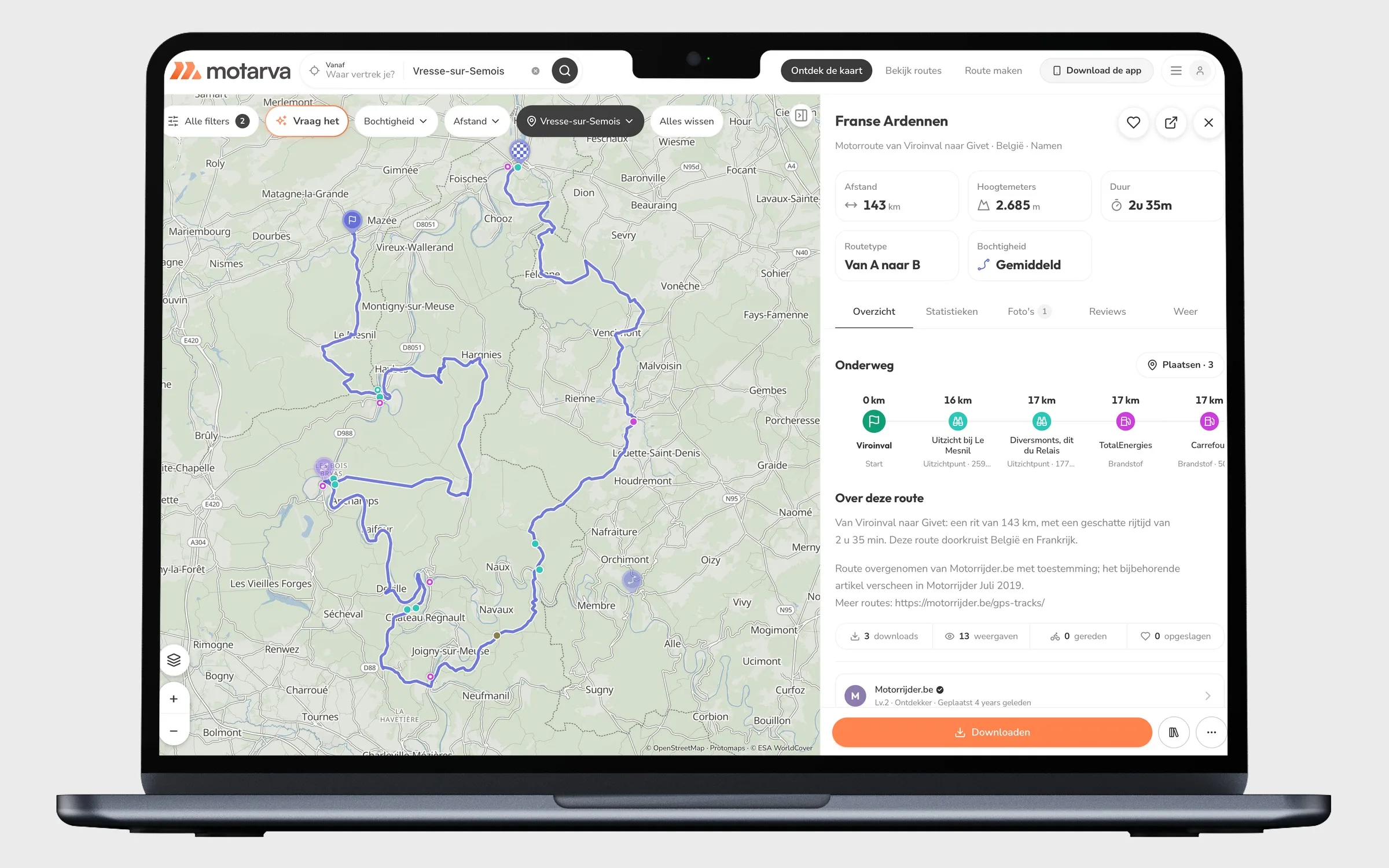
The site and the app share the same routes and the same visual identity. What you plan at home is on your iPhone on the road, and you can simply record your own ride.
Website · map 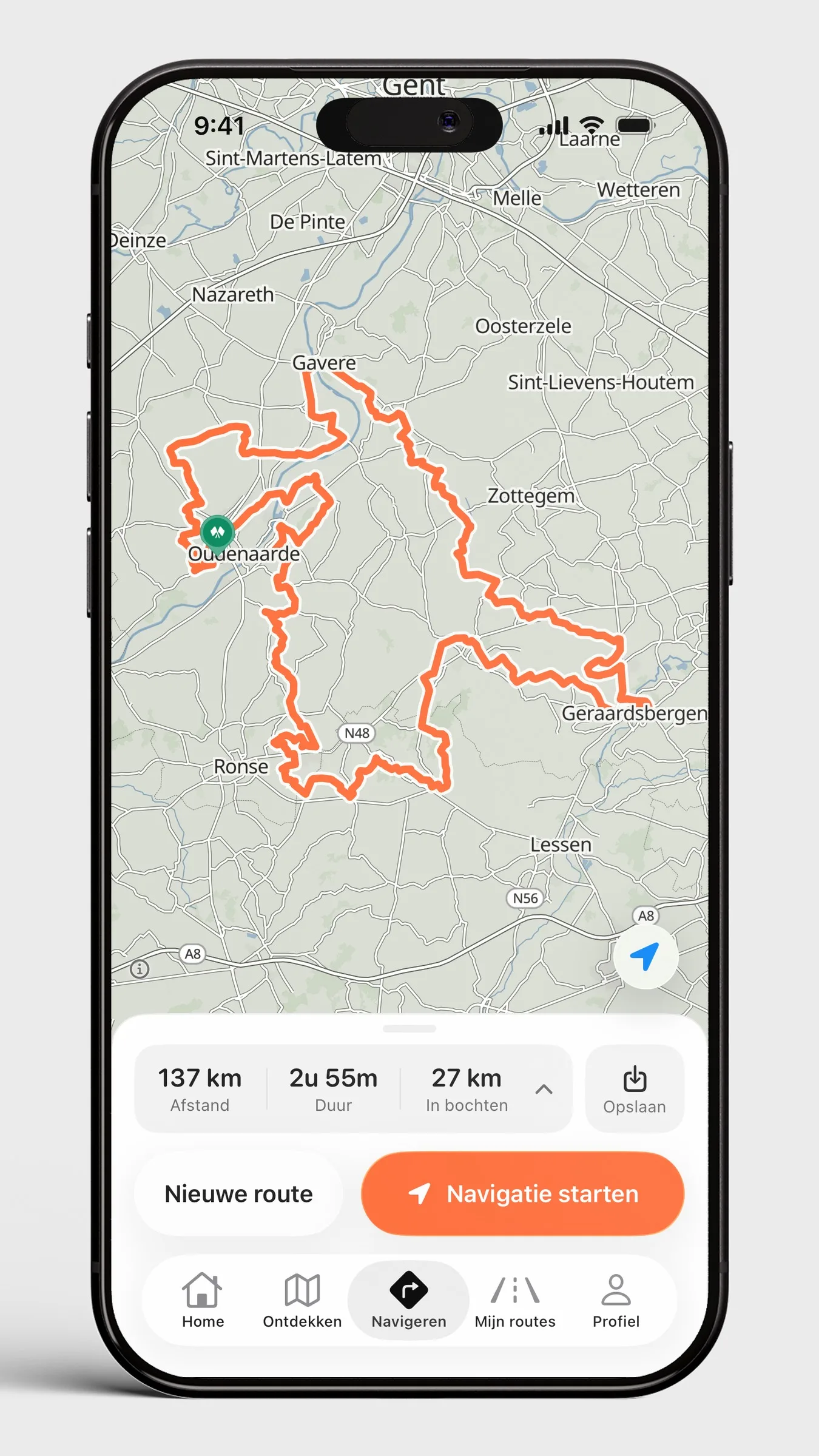
App · explore 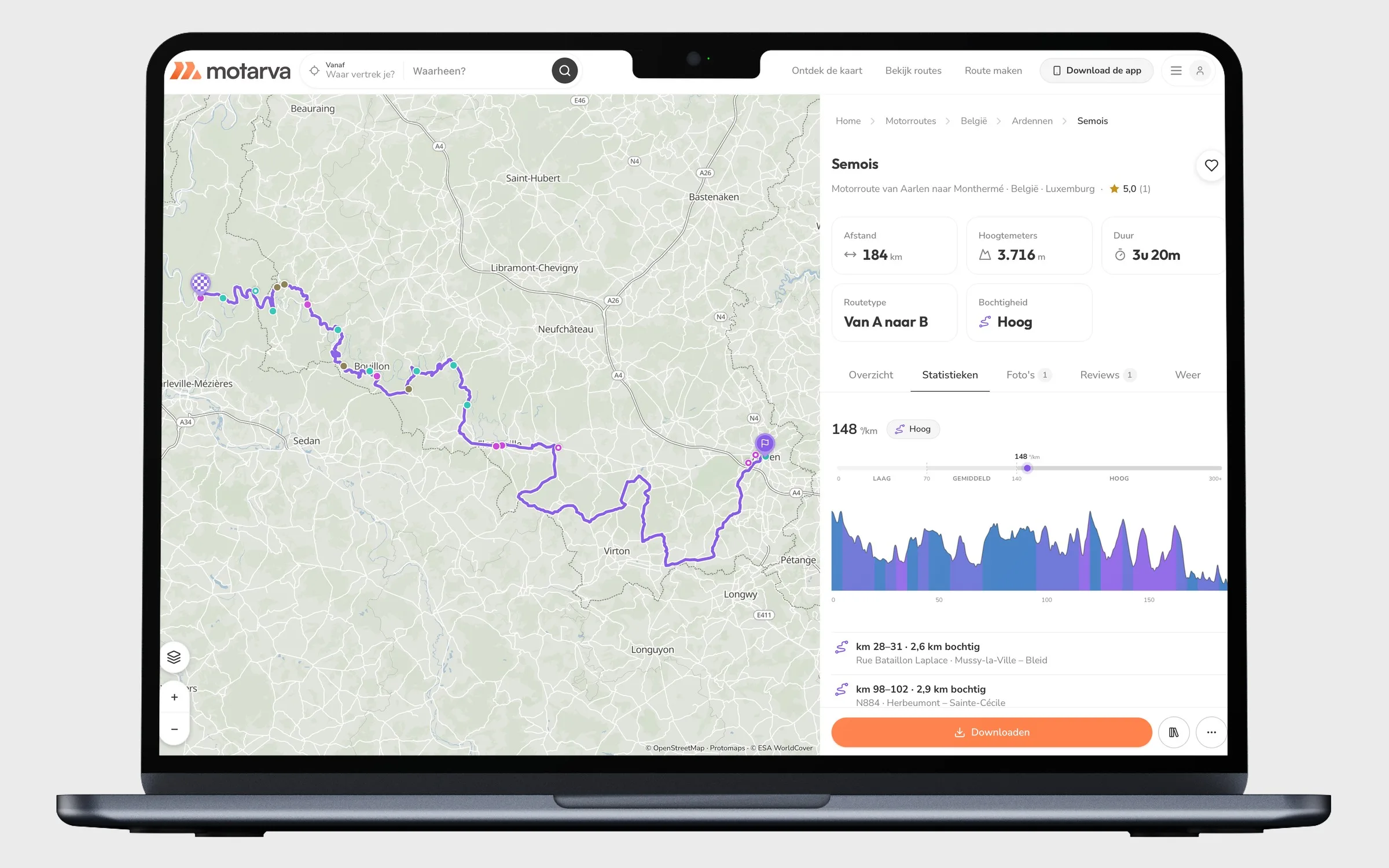
Website · route 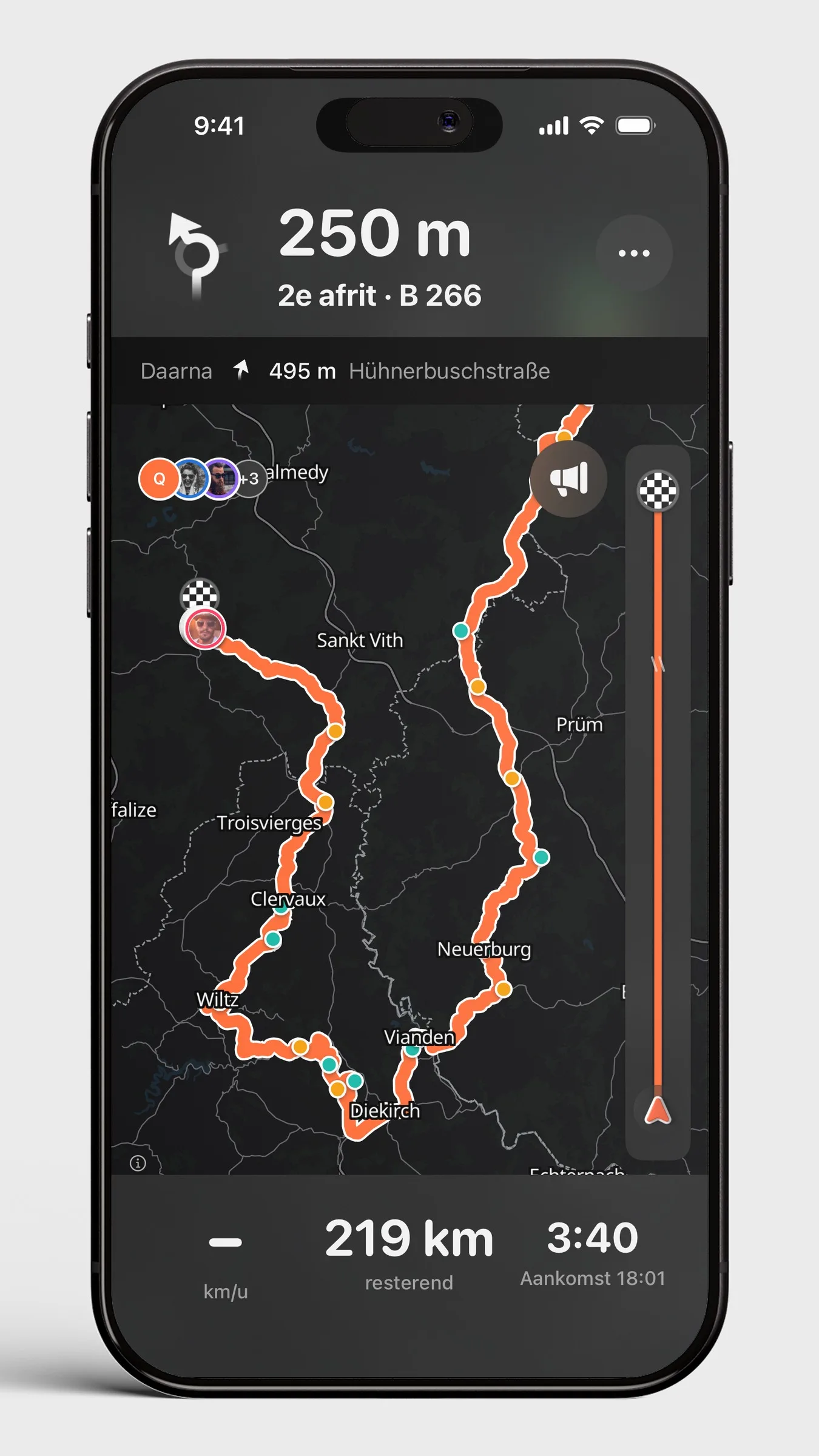
App · navigate


Search, ride, find it again.
Find a route, ride it, and find it again under My routes. On the site and in the app.

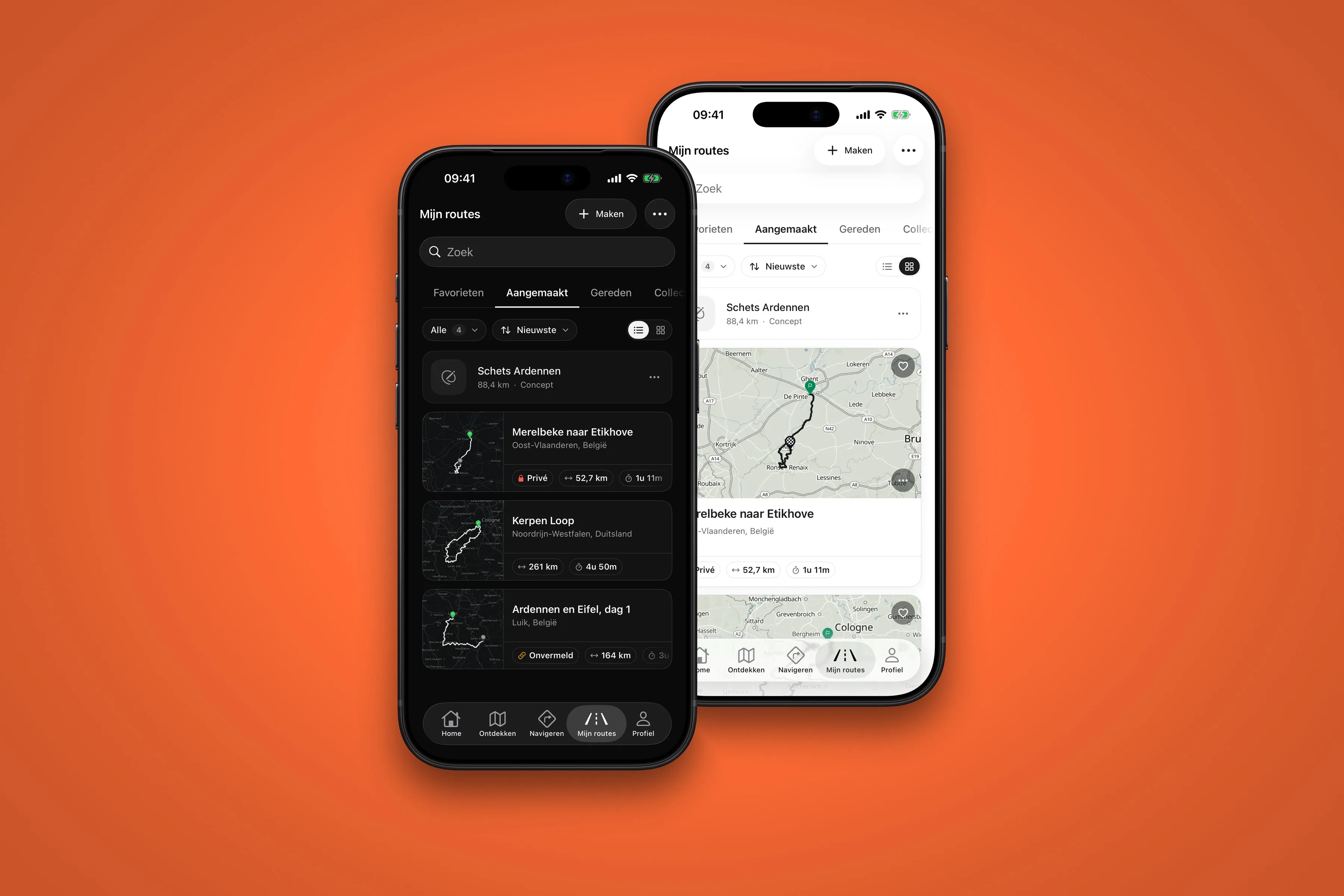
App · My routes 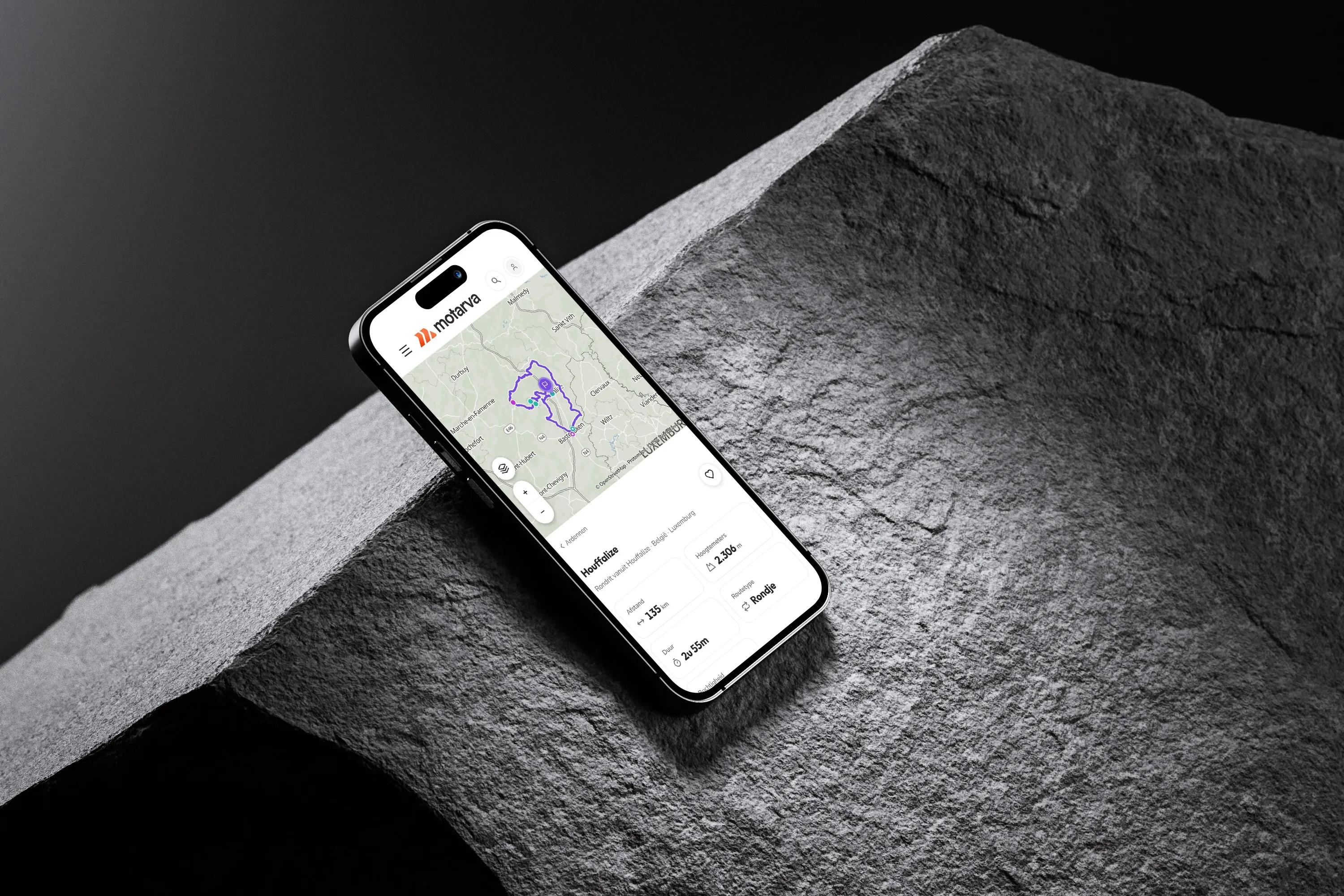
Website · route page


The route, the way you ride it.
A route on the map
The line of the ride across the landscape, with distance and elevation gain.
Curviness in a single number
How twisty is a route? Motarva works it out, so you know whether a ride suits you before you set off.
One brand, from app icon to map.
Motarva has one visual identity for the website and the app. Orange (#FF6B35) is the only accent colour, kept for the one button that matters on a screen. Headings are set in Outfit, body text in Nunito Sans.
Everything is set down in a dedicated brand guide: colours, type, buttons, cards and the pins on the map. That keeps the website and the app consistent, even as new screens are added.
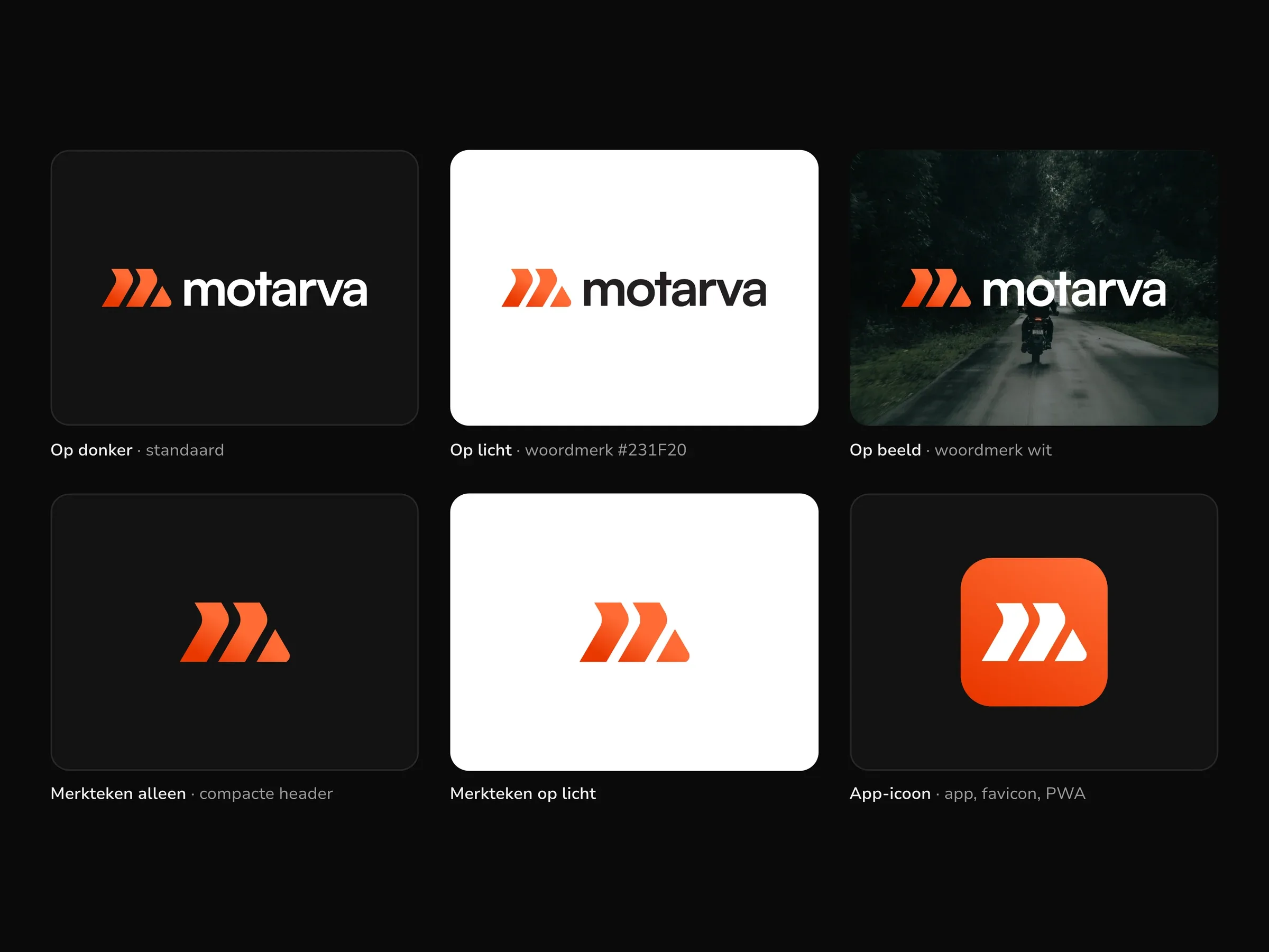
Logo and app icon
The brand mark stands alone as the app icon, and next to the name as the logo.
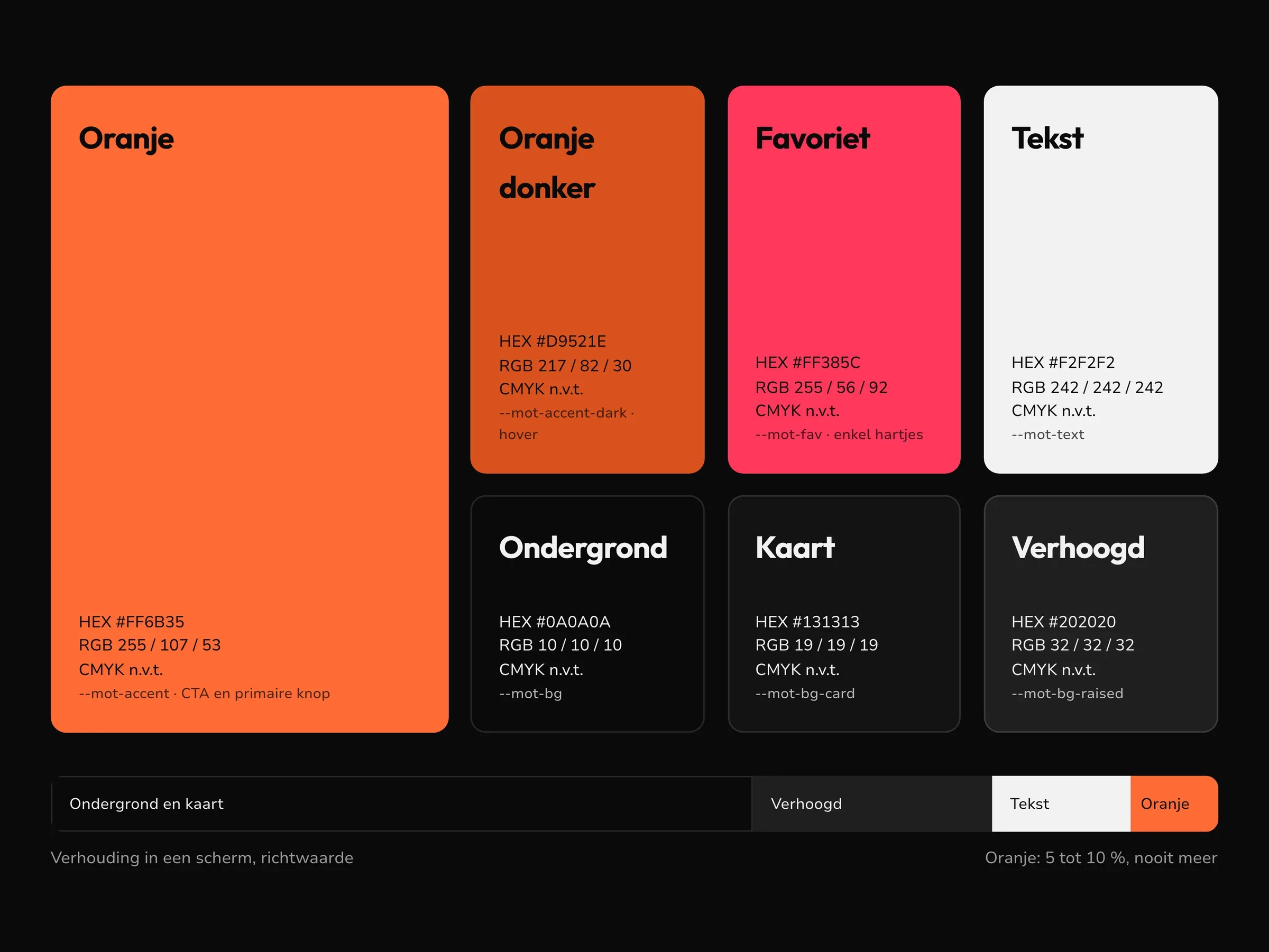
Colour
Orange for the action, and calm dark surfaces for everything else.
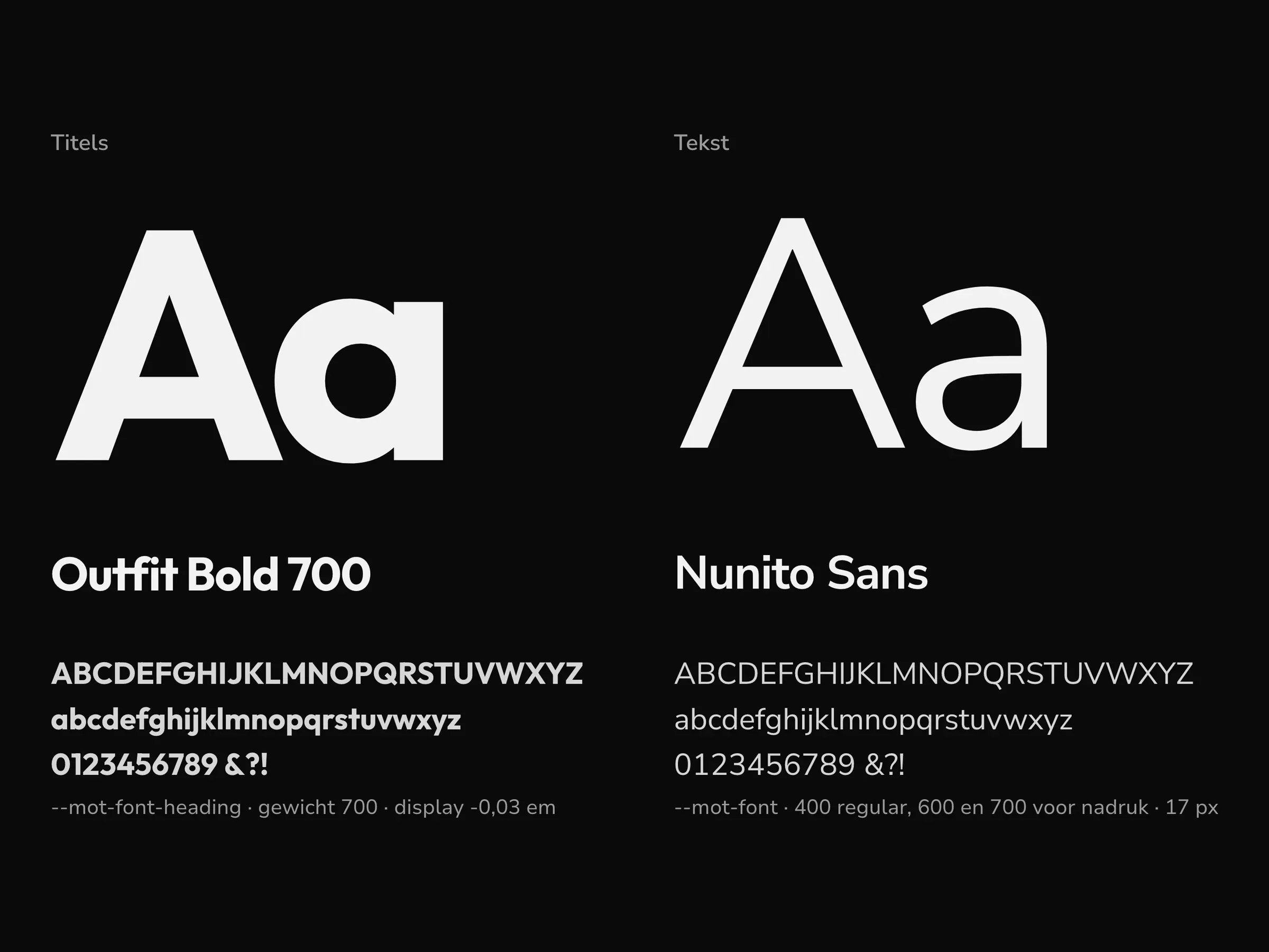
Type
Outfit for headings, Nunito Sans for text, on a fixed scale.
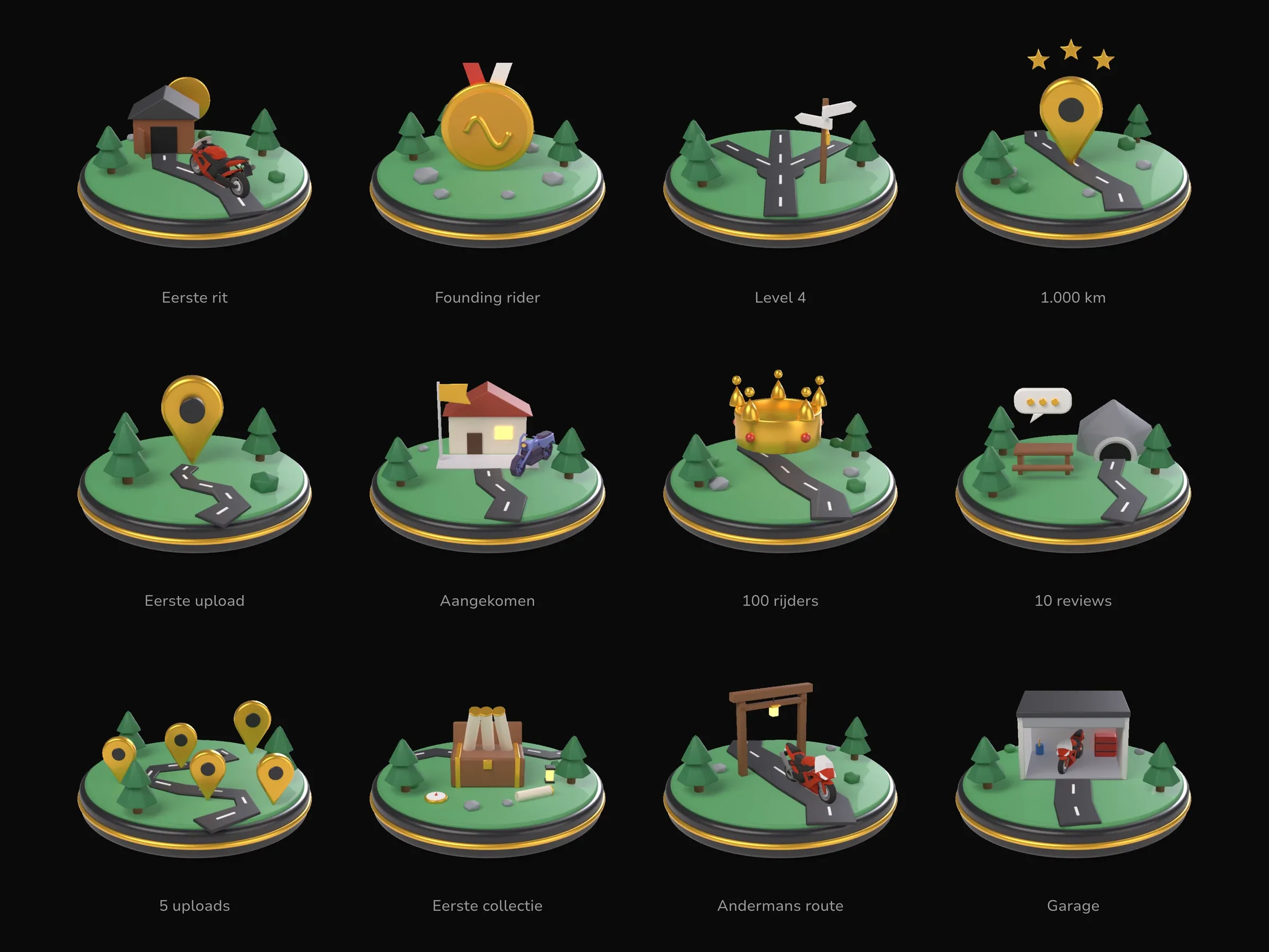
Badges
Twelve badges, each with its own shape.


The app, as it appears in the App Store.
The app is in the App Store with six screens, in English and the same in every country. Each screen tells one thing: navigating, discovering routes, a curvy route to a place, earning badges, planning from A to B and making your own route. Map data: © OpenStreetMap contributors.
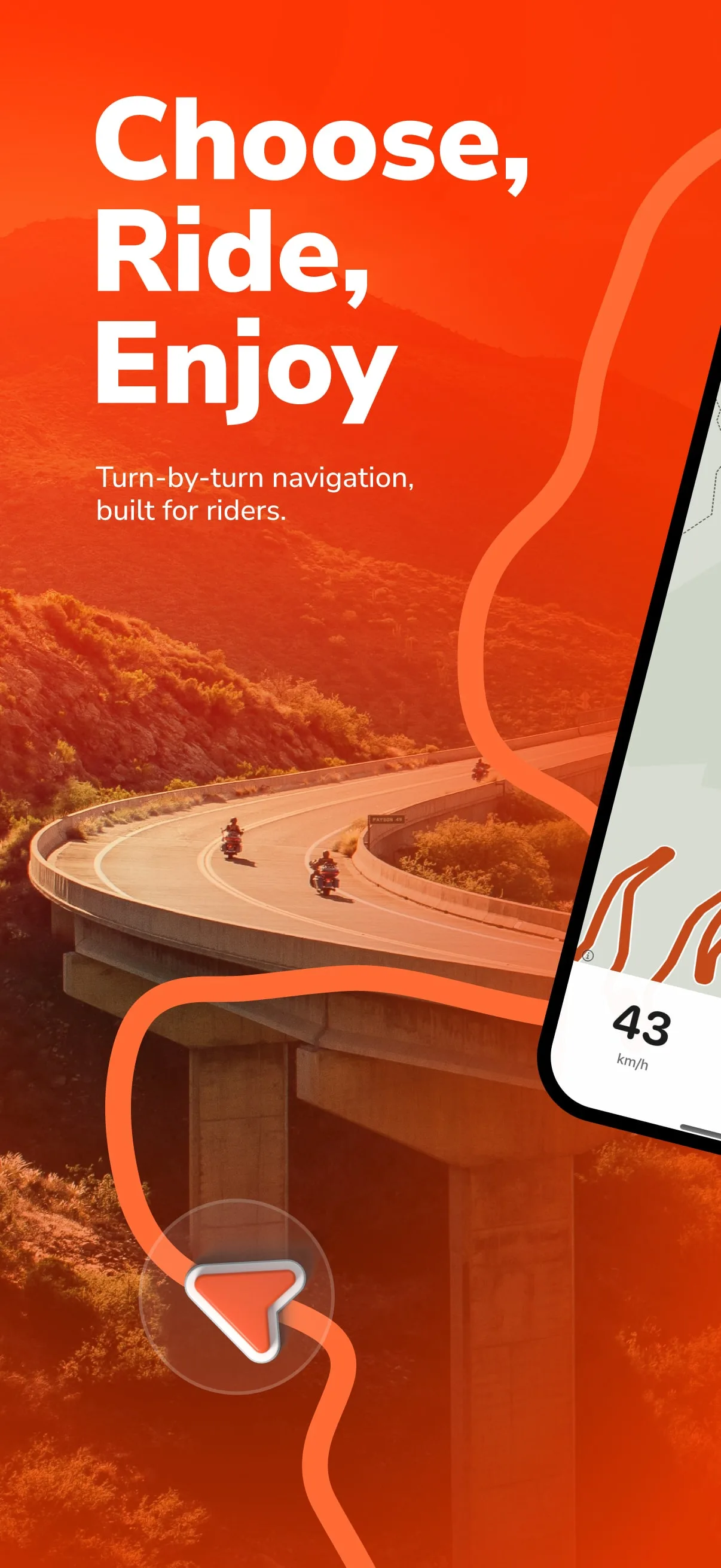
Navigate 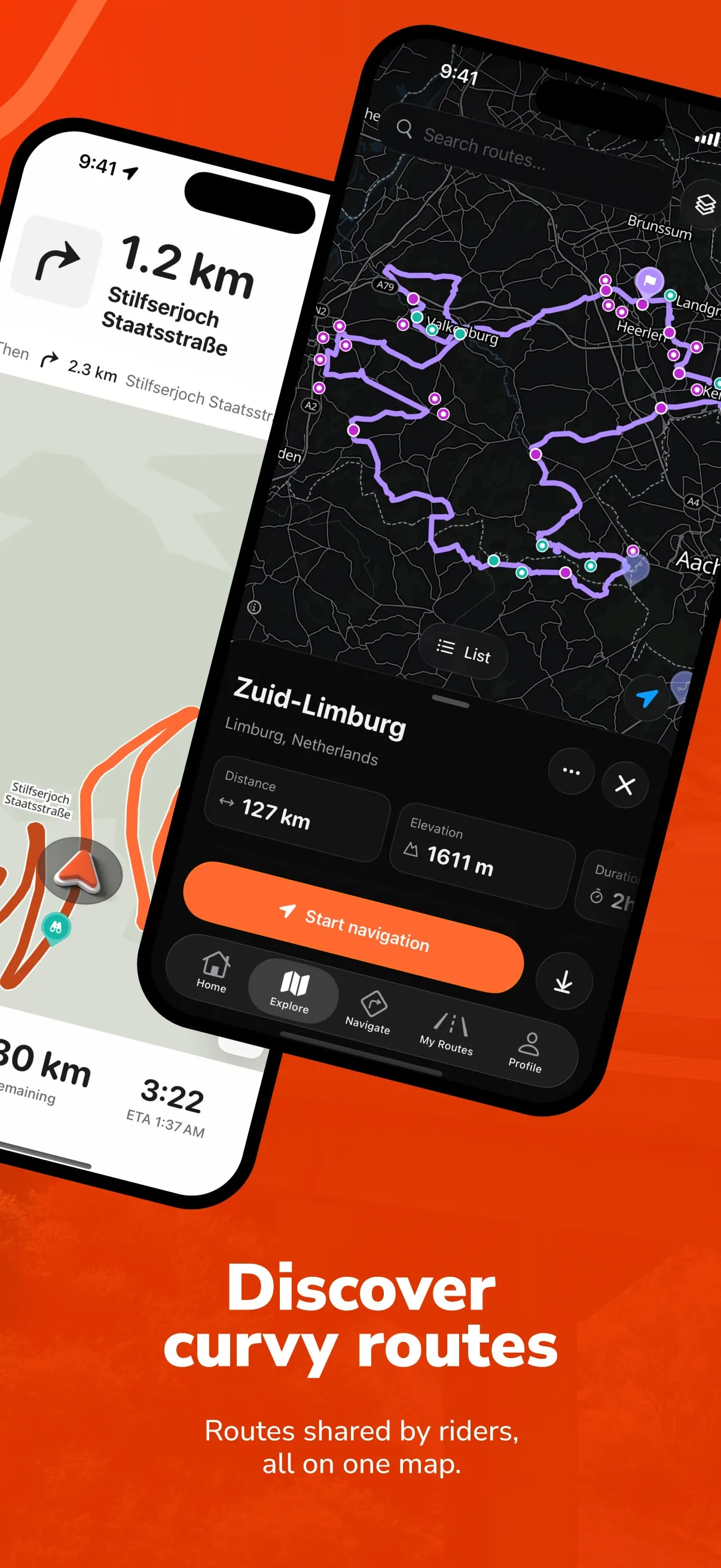
Discover routes 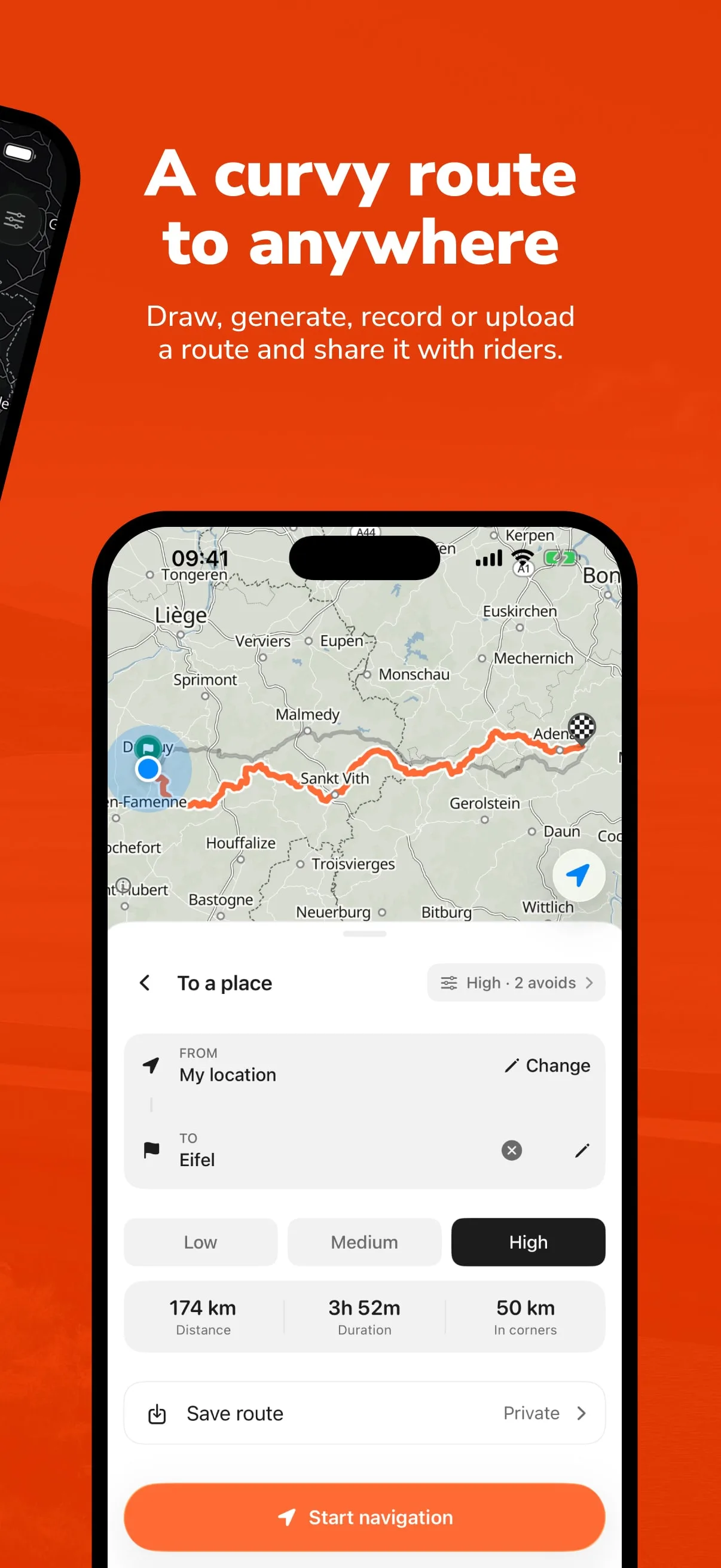
Curvy to a place 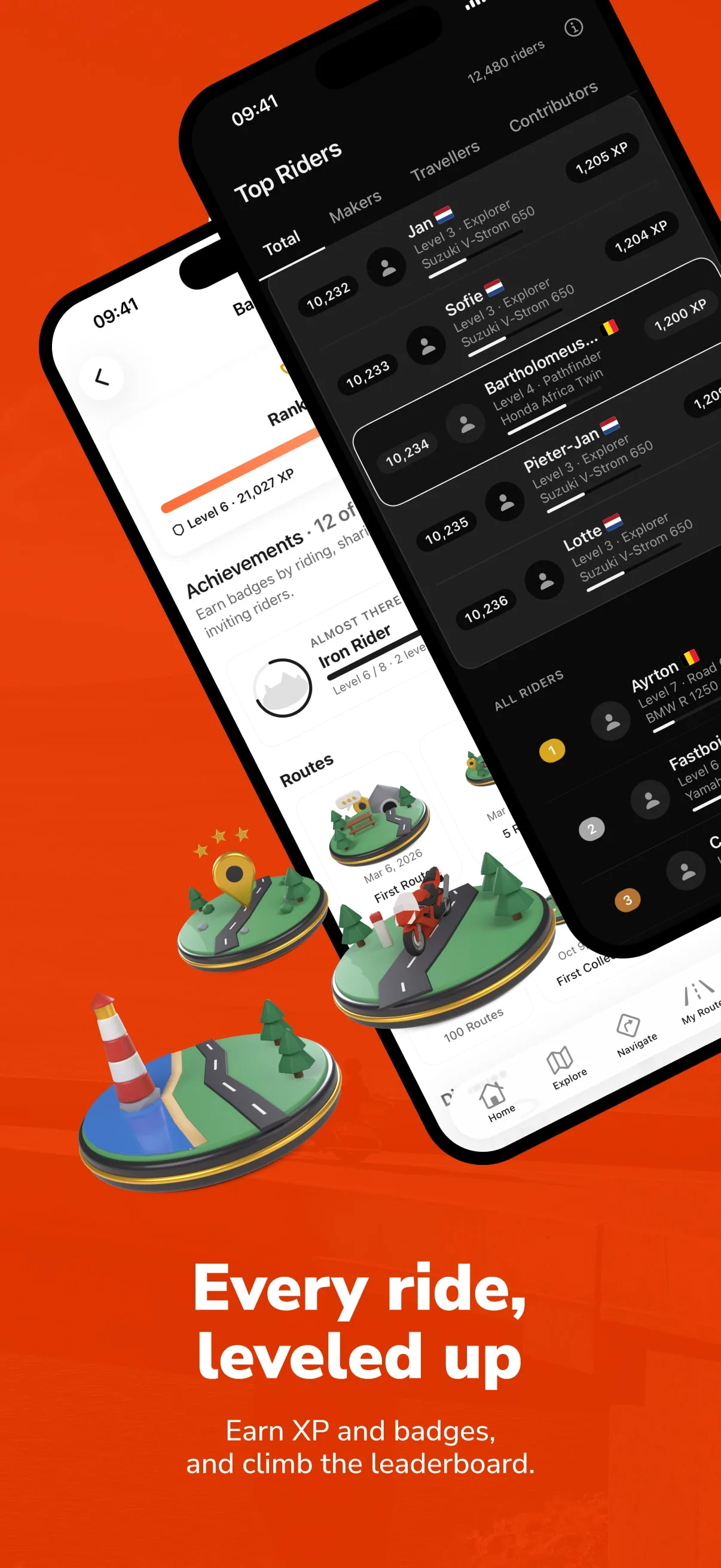
Badges 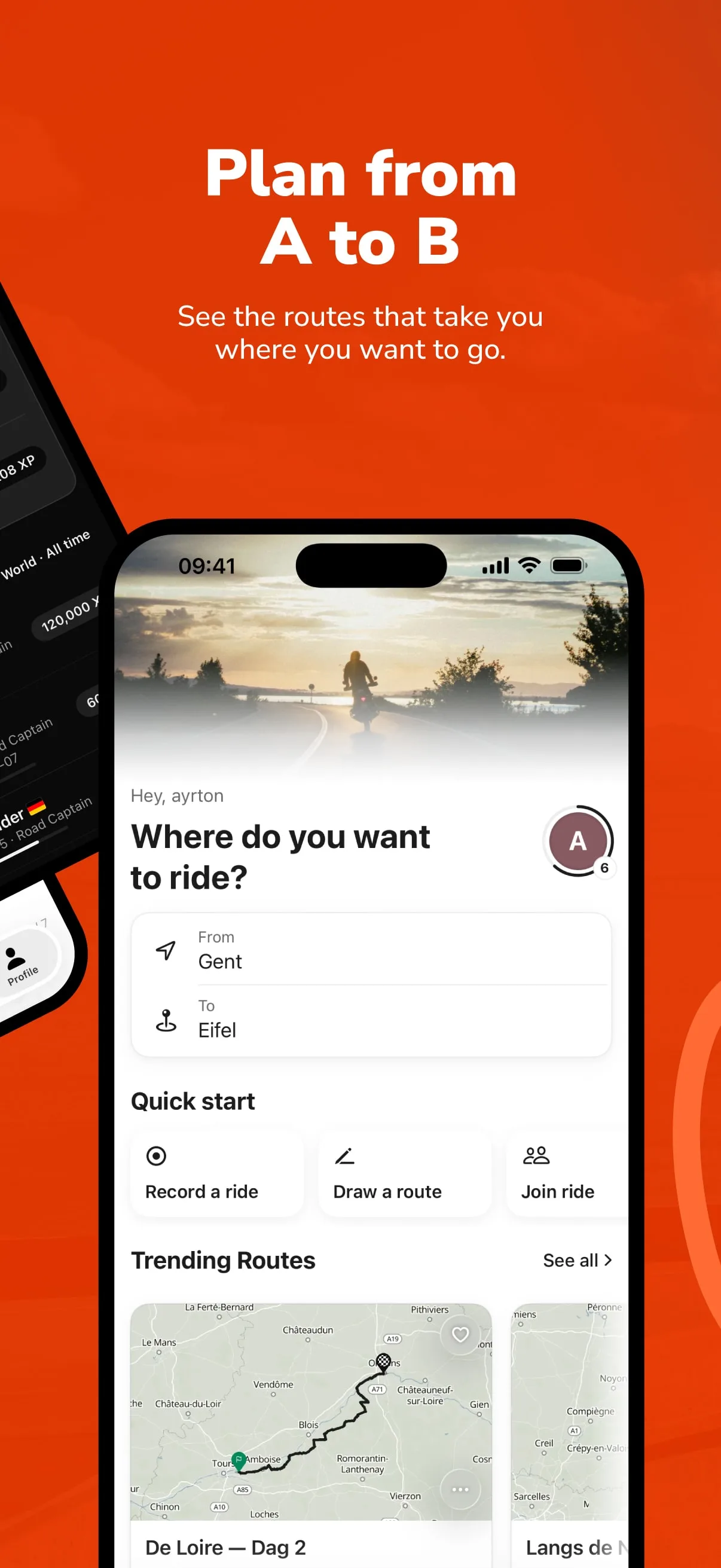
From A to B 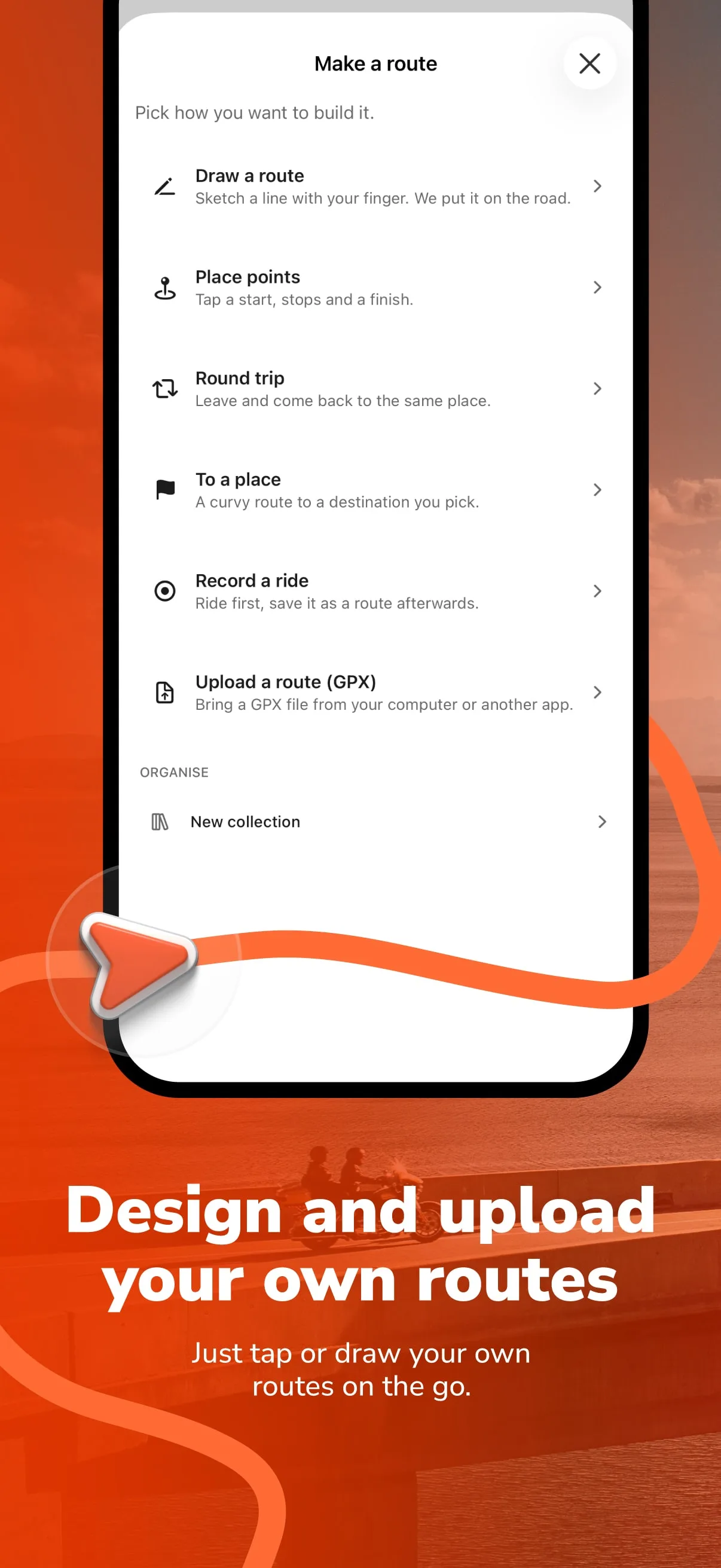
Make your own route


What’s under the bonnet, in plain English.

Its own route engine
Routes are calculated on Motarva’s own server, not by one of the big map services.
Its own search
Searching for places and roads also runs on Motarva’s own servers.
One visual identity
Site and app share colours, type and icons.

Wandhaus, a webshop with a custom configurator.
You arrange your photos on the wall and order straight away.
View the case